see bigger...View On Black
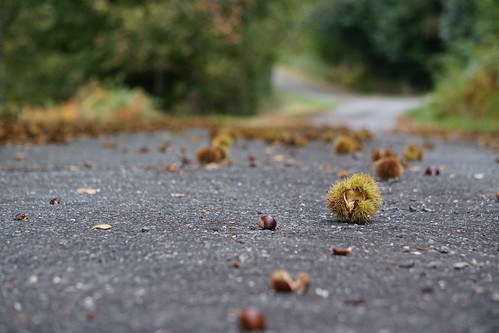
I took a bw image and colorized it in Photoshop. I pasted the bw photo on top of a blank white page creating two layers. In the Layers box, I "multiplied" the layer which removes all the white from the top layer and allows me to paint on the white under layer and shows up on the top layer. So, you sort of just paint in a water color type of method with brushes on the tool bar in the "normal" mode with a very opaque brush (I set it low like at 25%) and the "flow" I bring down to 75%. You can adjust these %s to get the result you want. After I'm done painting I flatten the image and then go to Images/Adjustments/Color Balance to tint the overall image to bring it all together. I usually add a lot of Red (+50) and then add yellow (-30) and just play with these adjustments to get the best tint. This is a warm tint. You can get a cooler color tint buy adding more Blue and Cyon. Try it, it's fun!