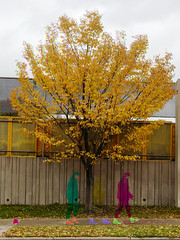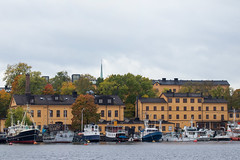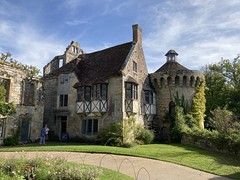
Ever made a diptych? I'm pleased to report that many Utatans have put diptychs in the pool which you can peruse as examples.
Traditionally a diptych was a "a pair of pictures or carvings on two panels, usually hinged together" - but a more modern application is two photographs presented side by side as a single item.
There are many, many ways to connect two photographs into a single view. And I am sure there are new ways and visual connections waiting to be developed by all you uber-creative Utata folks.
Often diptychs are used to portray motion or time lapse, the duality inherent in emotional situations or altered perspectives of the same item. They can be used to establish either commonality or differentiation - really the only criteria is that the artist determines that there is a connection (of any kind) between the two sides.
Each side does NOT have to be the same size/dimension or even process. The connection can be obvious or subtle.
For those of you in possession of the right software and/or know-how, you can create diptychs in a variety of ways with most of the most popular programs. For those of you without the right software or experience, we recommend (courtesy of Striatic) that you give dipstych a try. From the site ... "DipStych is a simple Windows application that makes creating 'tychs (diptych, triptych...n-tych) really simple. It also is a simple way to add a border or frame to a single image. DipStych is free software and is released under the GNU Public License."
To participate
(1) You need to have a Utata member page (need one?).
(2) tag your photos as follows:
utata:project=diptych
Although we're happy to accept one or two photos from your stream, part of the fun of projects is seeing what new things people come up with for each theme, so we encourage you to make new photos for the project.
Hint
Bonus points if you add some narrative to your project picture - tell us why it goes together or make up a story to entertain us or ... you get the idea.
Have fun!
Participating in this Utata project is simple! You need to do/have the following three things and then all you have to do is tag your photos utata:project=diptych (read about other tagging options) and you're all set! Have fun!