Utata Opposites


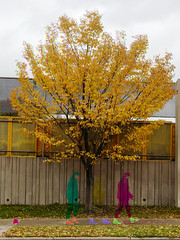
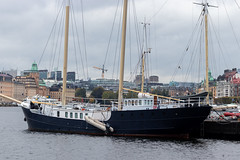
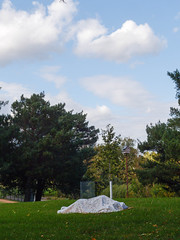
Each project entry should be a diptych, showing 2 photos that convey the meaning of 'opposite'. So, for example, wet/dry, big/small, in/out, black/white ... just make sure that the opposite is fairly obvious. Be as creative as you can whilst still conveying opposition.
For those of you who don't do diptyches very often, the easiest way to create one is to use fd's flicktoy Mosaic Maker. Set it to 2 columns, 1 row, large photos. This method works best with square photos as the 2 individuals will be cropped to square automatically.
If you'd prefer to do them in photoshop, Sara Heinrich's has a good dipytch tutorial in this thread in the Diptych group.
For this project, you are welcome to create new diptyches from existing photos.
Utata Opposites has 81 entries.